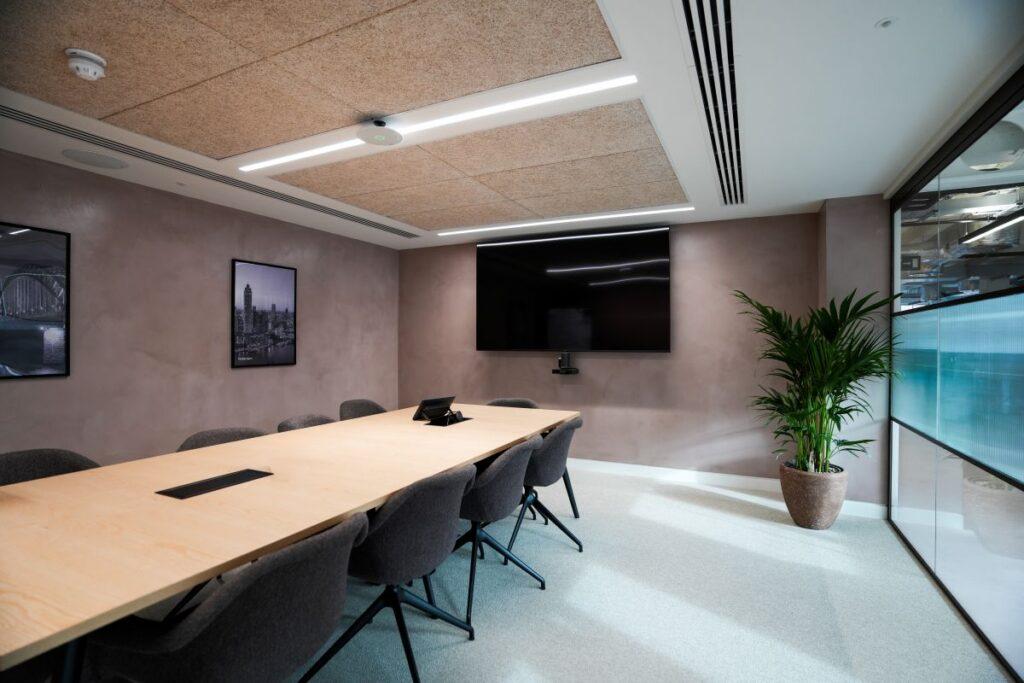
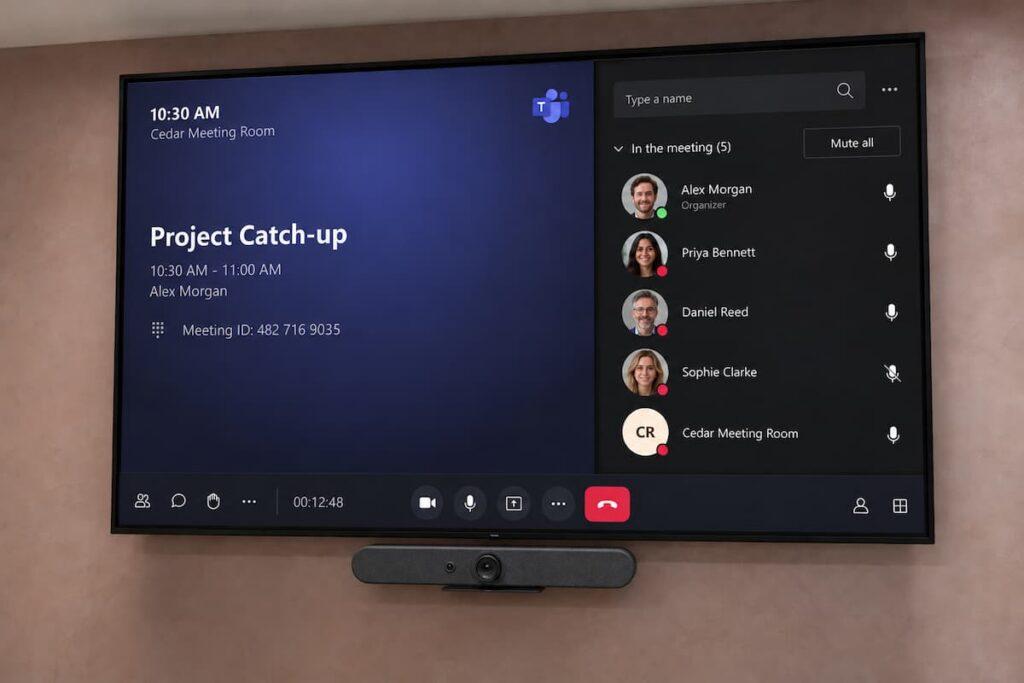
We design, install and support certified Teams Rooms for every space, from small huddle rooms to large boardrooms. Meetings start with one touch. Everyone is seen and heard, in the room or at home. Simplicity starts here.
Microsoft Teams Rooms certified partners - we install
Licensing, set-up and device management handled for you Installed and supported by Interact teams in London and Essex
What is a Microsoft Teams Room?
A Teams Room is a meeting space with Microsoft Teams built in. Cameras, microphones, speakers and a touch console work as one. Walk in, tap “Join” and you’re meeting. No laptops. No cables. No guesswork.
Every room works the same way, whether it’s in London, overseas or on the third floor. Remote colleagues hear clearly and see the whole room. Hybrid meetings finally feel fair.
Room options
A Teams Room for every space
Teams Rooms come in all shapes and sizes. We match the hardware to the room’s size, acoustics and how it’s actually used.
Huddle spaces & small rooms:
0–4 people
An all-in-one video bar with a touch console and a single display. Quick to install, simple to use, and ideal for quick catch-ups and one-to-ones.
Multi-camera set-ups, ceiling microphones and room audio processing for large tables, training rooms and all-hands spaces where every voice needs to carry.
Bring your team together with a Microsoft Teams Room designed around your space. Clear sound, intelligent cameras and simple controls make it easy for everyone to join, share and take part.
Book the room in Outlook or Teams and the meeting appears on the console. One tap and you’re in.
Intelligent cameras
Auto-framing and speaker tracking keep whoever is talking in view, so remote attendees never miss a reaction.
Clear room-wide audio
Microphones and speakers chosen for your room’s size and acoustics, so the person at the far end of the table is heard as clearly as the one nearest the screen.
Share content your way
Present wirelessly from Teams on your laptop or phone, or plug in for guests. Content shows in the room and to remote attendees at the same time.
Join other platforms too
Invited to a client’s Zoom or Webex call? Supported Teams Rooms can join those from the same console.
Managed and monitored
Updates, health checks and alerts are handled centrally, with optional ongoing support from our team after go-live.
How we work
From first survey to lifetime support
One team looks after the whole project, including the Teams Rooms licensing that often trips businesses up.
Assess
We visit your rooms, check acoustics, network and power, and learn how each space is used.
Design
You get a clear recommendation for each room: hardware, layout and a fixed quote.
Install
Our engineers mount, cable and finish every room neatly, working around your business hours.
Licence & configure
We set up room accounts and advise on Teams Rooms Basic versus Pro licensing.
Train & support
Quick training for your staff, then ongoing support and maintenance when you need it.
To join a meeting room you just touch a button and you’re going. Our old equipment didn’t cater for that.
Frequently Asked Questions
Do we need special licences for a Teams Room?
Yes. Each room needs a Microsoft Teams Rooms licence rather than a normal user licence. There’s a Basic option and a Pro option with extra features and management tools. We’ll explain the difference and set it up for you.
Can we reuse our existing screens?
Often, yes. During the site survey we’ll check whether your current displays and mounts are suitable and only recommend replacing what needs it.
Can guests on Zoom or Webex join from the room?
Supported Teams Rooms can join Zoom and Webex meetings from the console when the room is invited, so you can meet clients on whichever platform they use.
Do you support the rooms after installation?
Yes. We offer ongoing support, maintenance and remote monitoring, and you can call our support team on 0345 873 3110.