
The box is the easy part
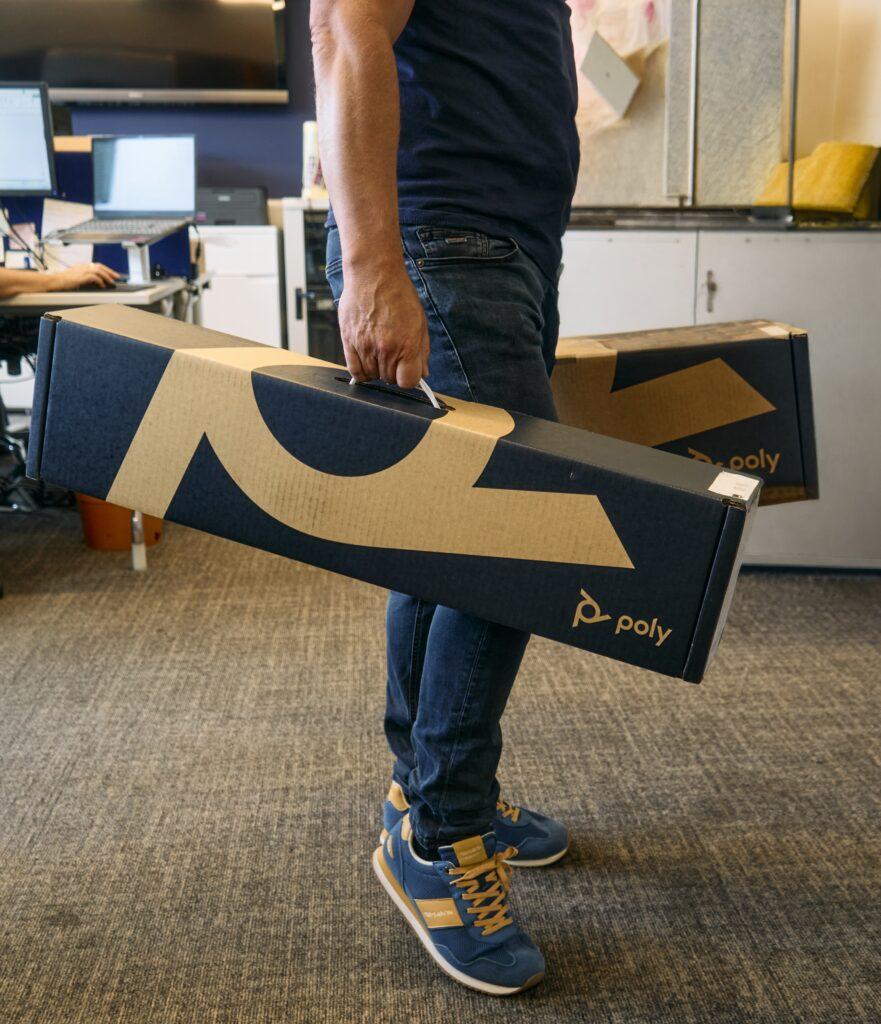
A great meeting room AV installation starts long before anyone opens the box. In the photo above, one of our engineers is carrying a Poly video bar through an office on install day. It looks simple: two boxes, one man. But what happens between the box and the first call decides whether the room works every time or becomes the room nobody wants to book.
In this post we walk through what a professional installation actually involves, the mistakes we’re most often called in to fix, and how to get your rooms ready for Microsoft Teams, Zoom and Google Meet.
Why professional meeting room AV installation matters
Modern video bars are designed to be easy to set up, but “easy” assumes the room is right for them. Camera framing, microphone pickup, echo, cabling and network settings all depend on the room, not the box.
A poorly installed system usually still turns on. The problems show up later:
- Remote attendees can’t hear people at the far end of the table.
- The camera cuts off half the room or frames everyone too small.
- Calls drop because the device sits on the wrong network or misses firmware updates.
- Cables trail across the floor and get pulled out by the cleaners.
Each of these costs a few minutes per meeting. Across a busy room used several times a day, that adds up to hours of lost time every month, and a poor impression on clients and candidates joining remotely.
Our installation process, step by step
Every installation we do follows the same five stages, whether it’s a single huddle room or a whole floor.
- Site survey. We visit the room, measure it, check sightlines, wall construction, power and network points, and listen for echo and background noise.
- Design and recommendation. We match the kit to the room size and how you meet. A four-person huddle space needs something very different from a 20-seat boardroom. [Link: Video conferencing solutions page]
- Preparation. Devices are unboxed, updated to the latest firmware and pre-configured for your platform (Microsoft Teams Rooms, Zoom Rooms or Google Meet) before we arrive, so install day is about the room, not the software.
- Installation. We mount screens and video bars at the right height, route and conceal cables, and connect everything to a properly configured network.
- Testing and handover. We run real test calls from every seat, tune camera framing and audio, then show your team how to start a meeting in one touch.
Most single-room installs are completed in a day with minimal disruption to your office.
5 common meeting room mistakes we fix
These are the problems we see most when we’re called in to rescue a DIY setup.
- Video bar mounted too high. A camera above eye level looks down on everyone. It should sit just above or below the screen, close to eye height.
- The wrong size kit for the room. A small video bar in a large room leaves people at the far end unheard. Bigger rooms often need extra microphones.
- Hard surfaces everywhere. Glass walls and bare floors cause echo that no device can fully remove. Simple acoustic panels make a big difference.
- Skipping firmware and network setup. Out-of-date devices and blocked ports are behind most dropped calls.
- No one trained to use it. If people don’t know how to start a call, they’ll go back to laptops and the room investment is wasted.
Recognise any of these? Book a free room audit
Frequently asked questions
How long does a meeting room AV installation take?
Most single rooms are installed and tested in one day. Larger projects across several rooms are scheduled to fit around your working hours.
Can I install a video bar myself?
You can, and many devices are designed for simple setup. A professional install makes sure the camera, audio, network and cabling suit your specific room, so it works reliably from day one.
Do you install systems for Microsoft Teams and Zoom?
Yes. We configure rooms for Microsoft Teams Rooms, Zoom Rooms and Google Meet, and can advise on which platform suits your business.
Will installation disrupt my office?
We prepare and update devices before we arrive, so time on site is kept short. We can also work around your schedule.
What happens after installation?
We offer ongoing support, firmware updates and remote monitoring so your rooms stay ready for every meeting.
Ready to upgrade your meeting rooms?
Whether you’re kitting out one huddle space or rolling out video across every office, we’ll make sure it works from the very first call.
Book your free meeting room audit
Prefer to see our work first? View recent installations